
Confirmed earnings can be withdrawn to your bank account.
Viewing withdrawal status
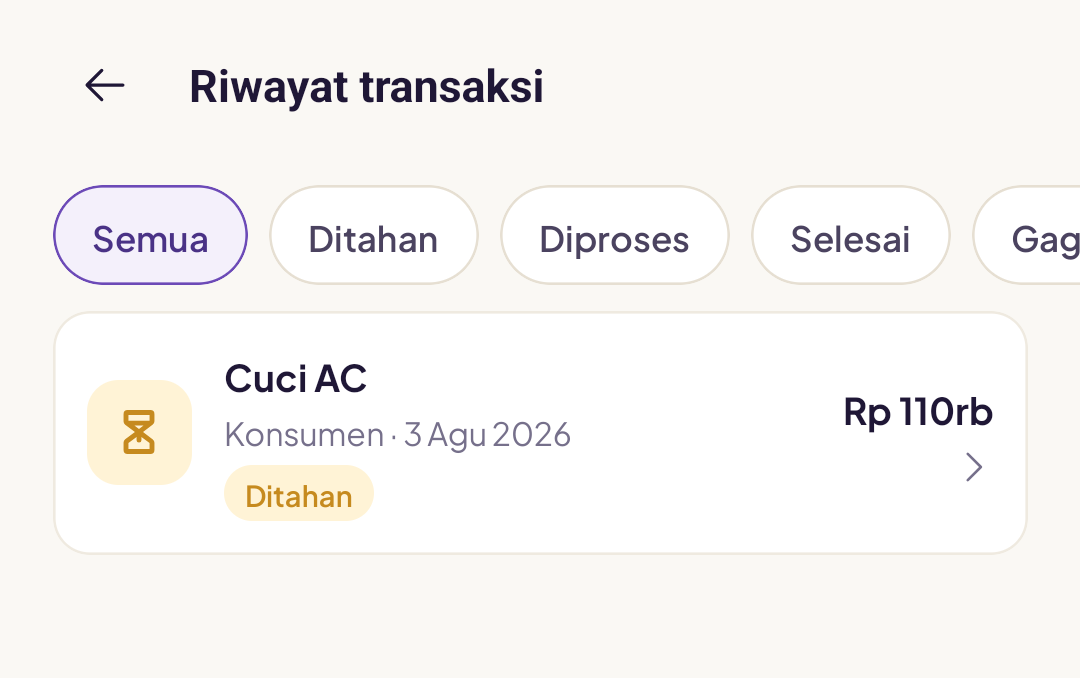
Open the Earnings tab → View all transactions. Each transaction has a status: On hold, Processing, Complete or Failed.
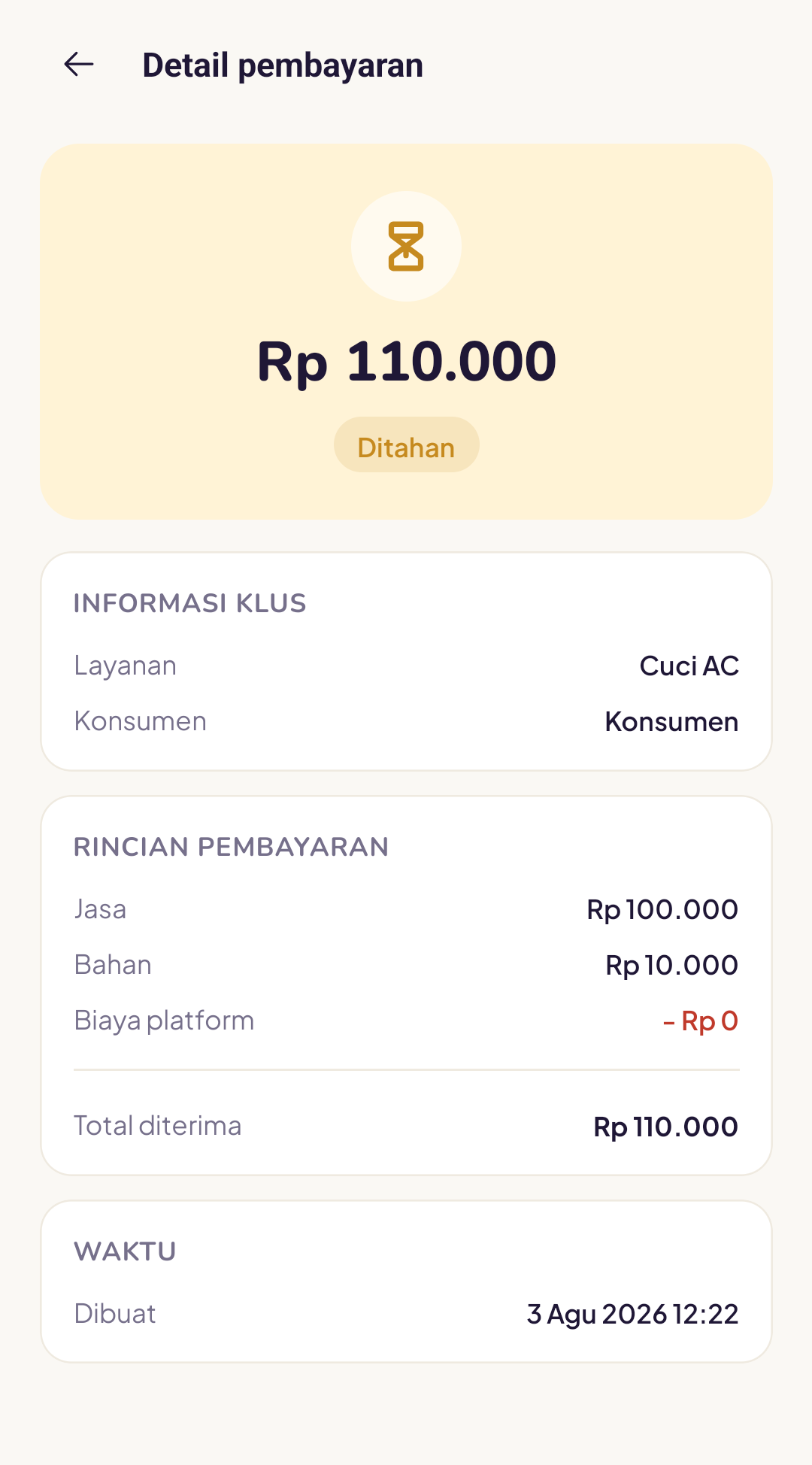
Tap a transaction to see the payment details and timing.
When withdrawals are processed
Withdrawals are processed periodically by the Yukser team. Any balance that meets the criteria (outside the order warranty period) will be transferred to the bank account registered in your profile.
I haven't set up a bank account
Go to Profile → Bank account and add your account number and account holder name. Make sure the account holder name is exactly the same as the name on your KTP, otherwise the bank will reject the withdrawal.
How long does it take for the funds to arrive?
Once a withdrawal is processed, funds usually arrive within 1 to 2 working days, depending on your bank.
My balance still hasn't been paid out after a week
Check whether:
- Your bank account details are correct and the account is active
- The name on the account matches your KTP
- There are no open customer complaints under review
If all of the above looks fine and your balance is still on hold, contact the Yukser team with the transaction ID.
We are still refining the automatic withdrawal feature. For the latest updates, check the announcements in the app.