
Your service zone determines which orders come through to you.
Radius options
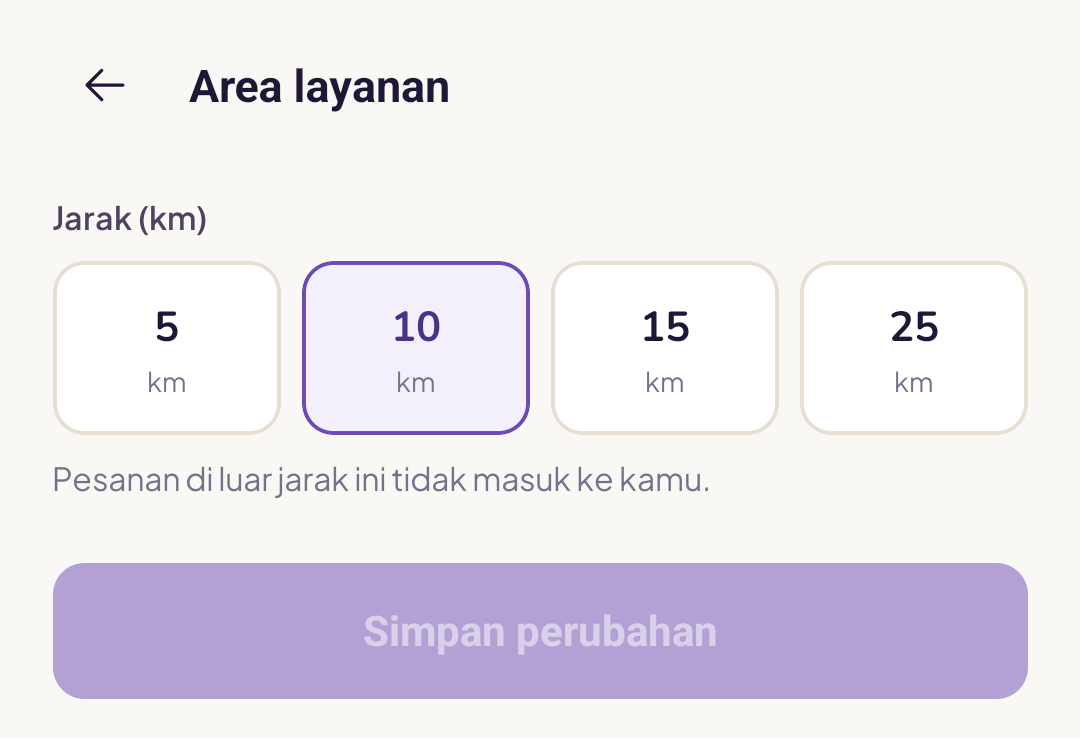
5 km, 10 km, 15 km, or 25 km from your home location (the one you chose during onboarding).
How to pick the right radius?
- 5 km, if you travel by bicycle or motorbike and want nearby jobs only
- 10 km, the standard radius for motorbikes in a large city
- 15 km, if you are happy to travel a bit further
- 25 km, a wide radius, usually suited to cars
Changing your radius
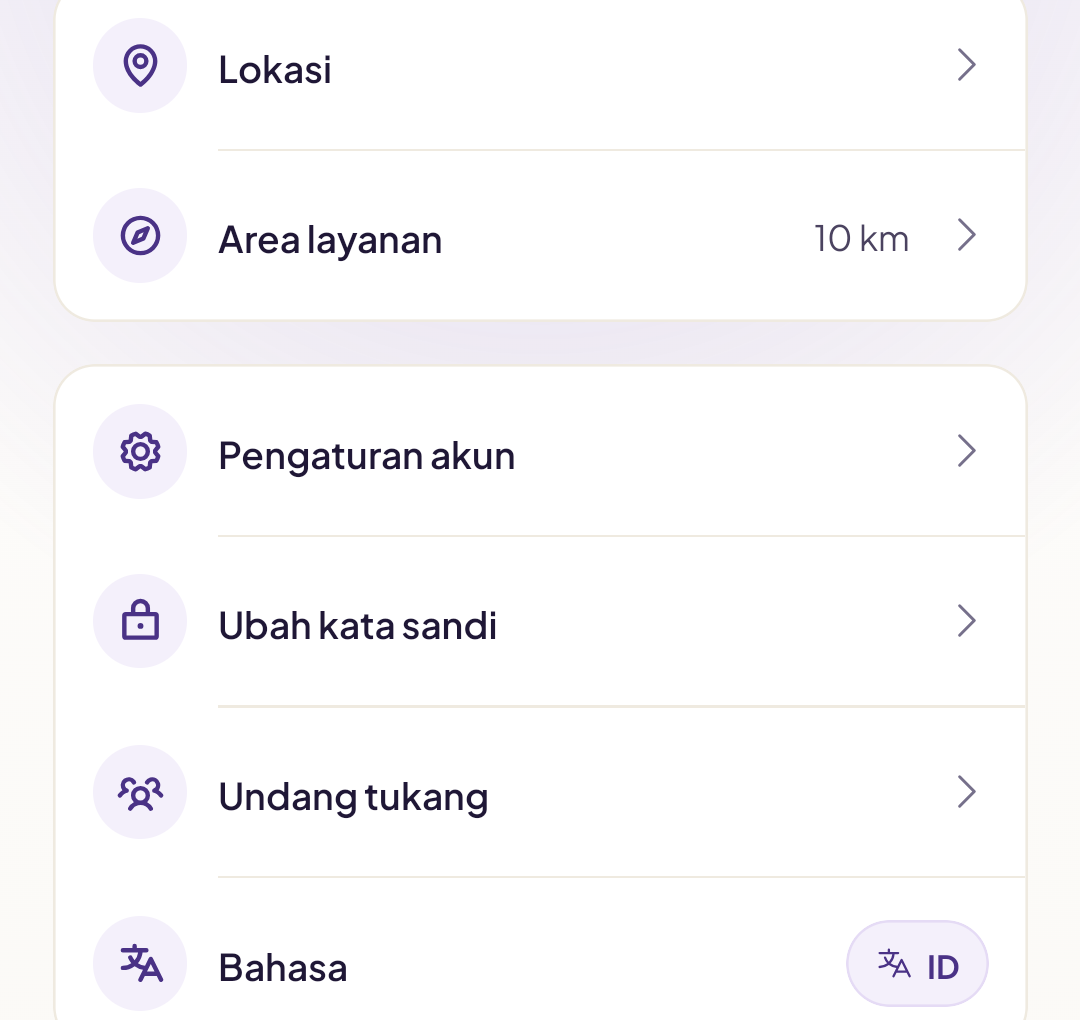
Go to Profile → Service area. The radius currently active is shown right there in the menu.
Select a new radius then tap Save changes. The change takes effect immediately for your next orders.
Orders outside your radius
They will not reach your app. The system filters them out automatically. You will not see them in your new orders list.
I've moved house, can I change my centre location?
At the moment your centre location is set during onboarding. To change it, contact the Yukser team with your new address and we will update it through the system.
A radius that is too wide means lots of distant jobs. A radius that is too narrow means fewer jobs. Adjust it to suit your vehicle and working hours.