
When you arrive at the customer's address, tap I have arrived in the app.
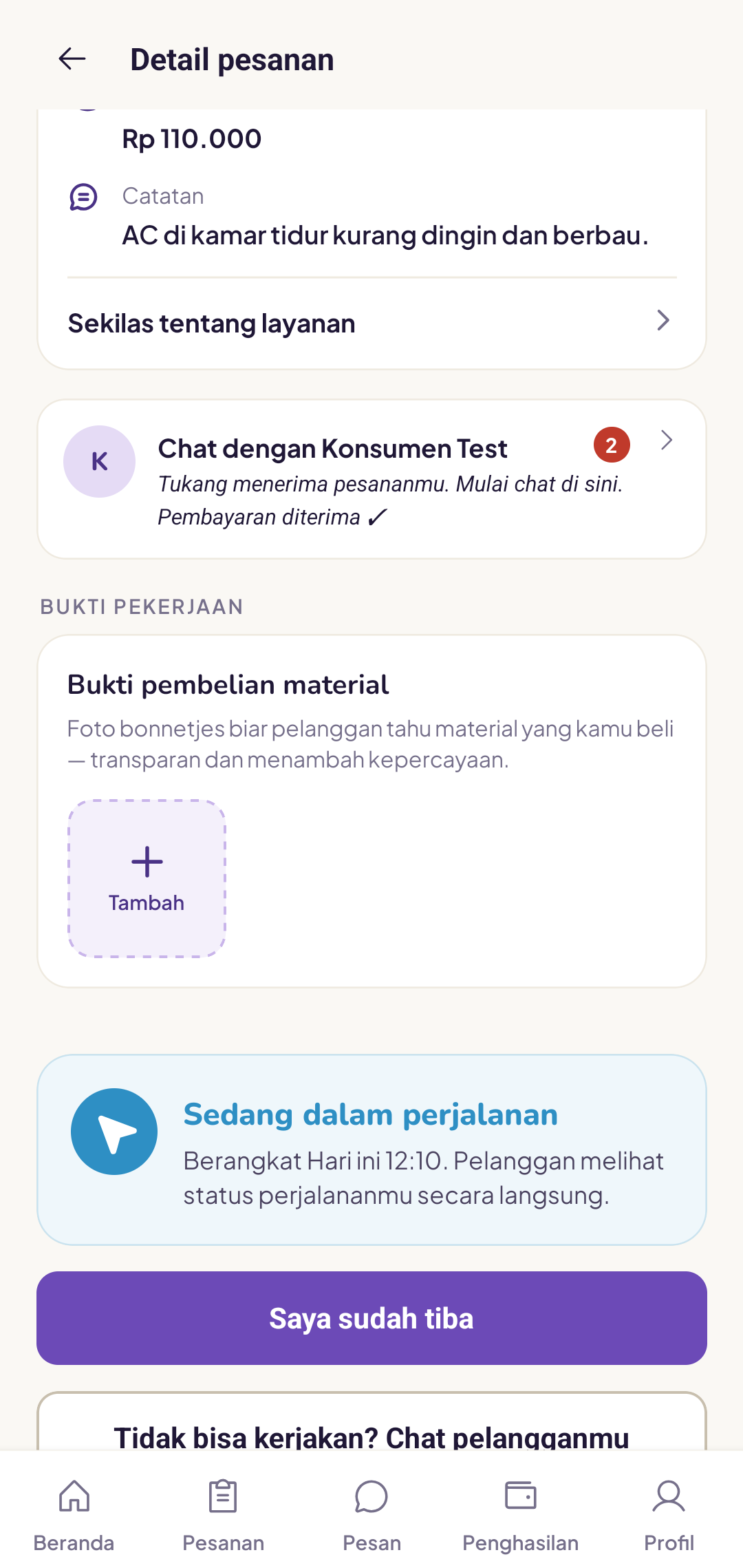
What happens after I tap that button?
The app waits for the customer to confirm that you are indeed at the location. After that, the job can begin.
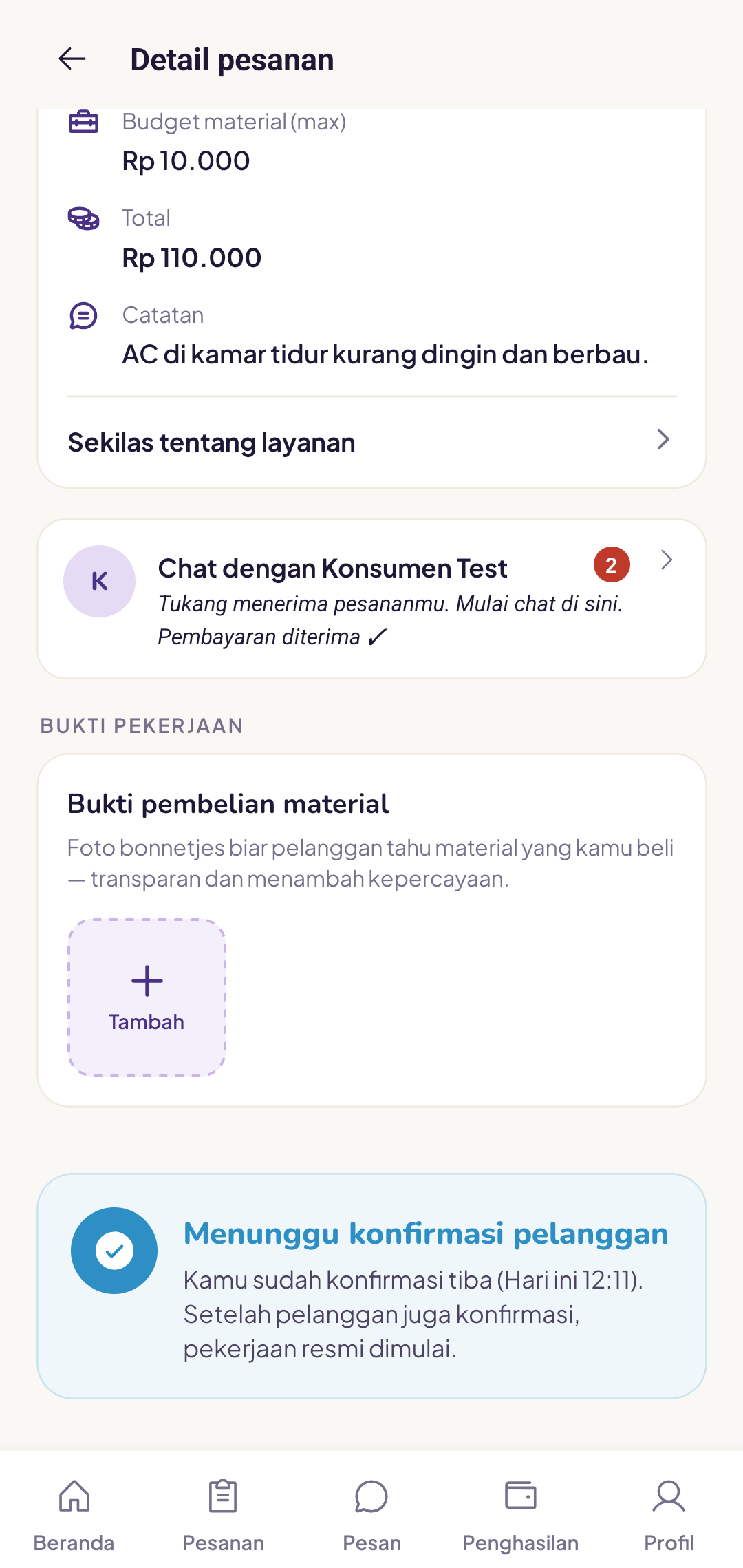
Why does the customer need to confirm?
Confirmation ensures the right tukang is at the right location. This protects both you and the customer.
Customer is not at the location
Wait up to 15 minutes, then contact the customer via the in-app chat. If there is still no response, contact the Yukser team. We can help you work out the next steps.
Be polite and professional at the door. First impressions shape your review.