
You need to add a bank account before you can receive payments from Yukser.
Steps
- Open Profile → Bank account
- Choose your bank (BCA, BNI, BRI, Mandiri, etc., or an e-wallet such as DANA/OVO/GoPay/ShopeePay)
- Enter your account number (as it appears in your passbook)
- Enter the account holder name (must match your KTP)
- Tap Verify account
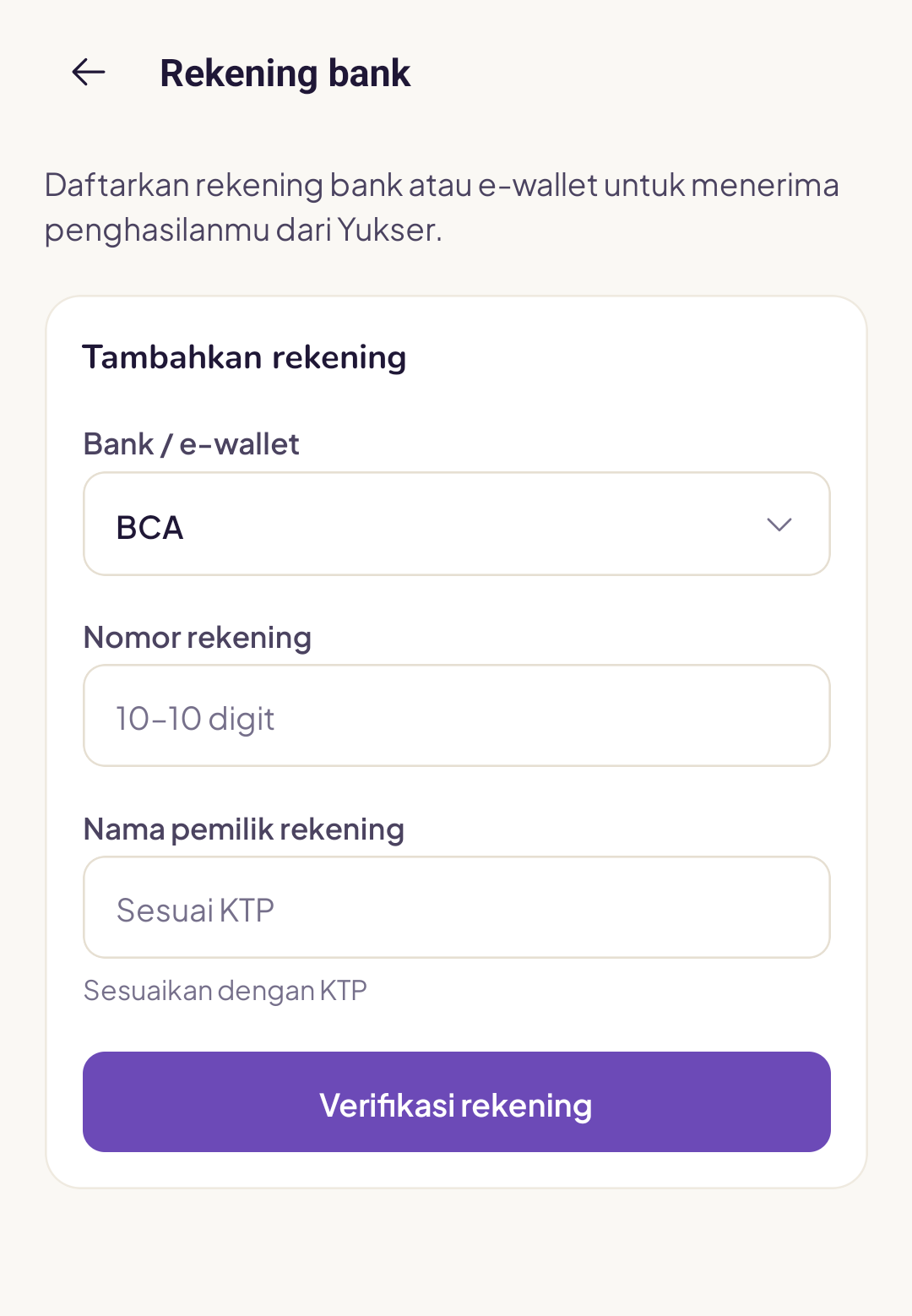
The system will check with the bank whether the name and account number match your KTP.
Verification results
- Successful: the account is ready to receive transfers
- Name does not match: the name on the account does not match your KTP, contact support
- Failed: the account number was not found, please double-check it
Change your account
If you want to change your account, tap Change account and repeat the steps above. Your old account is deactivated automatically once the new one is verified.
Important
Payments are always sent to the registered account in the name that matches your KTP. We cannot transfer to someone else's account, as this is for your security.