
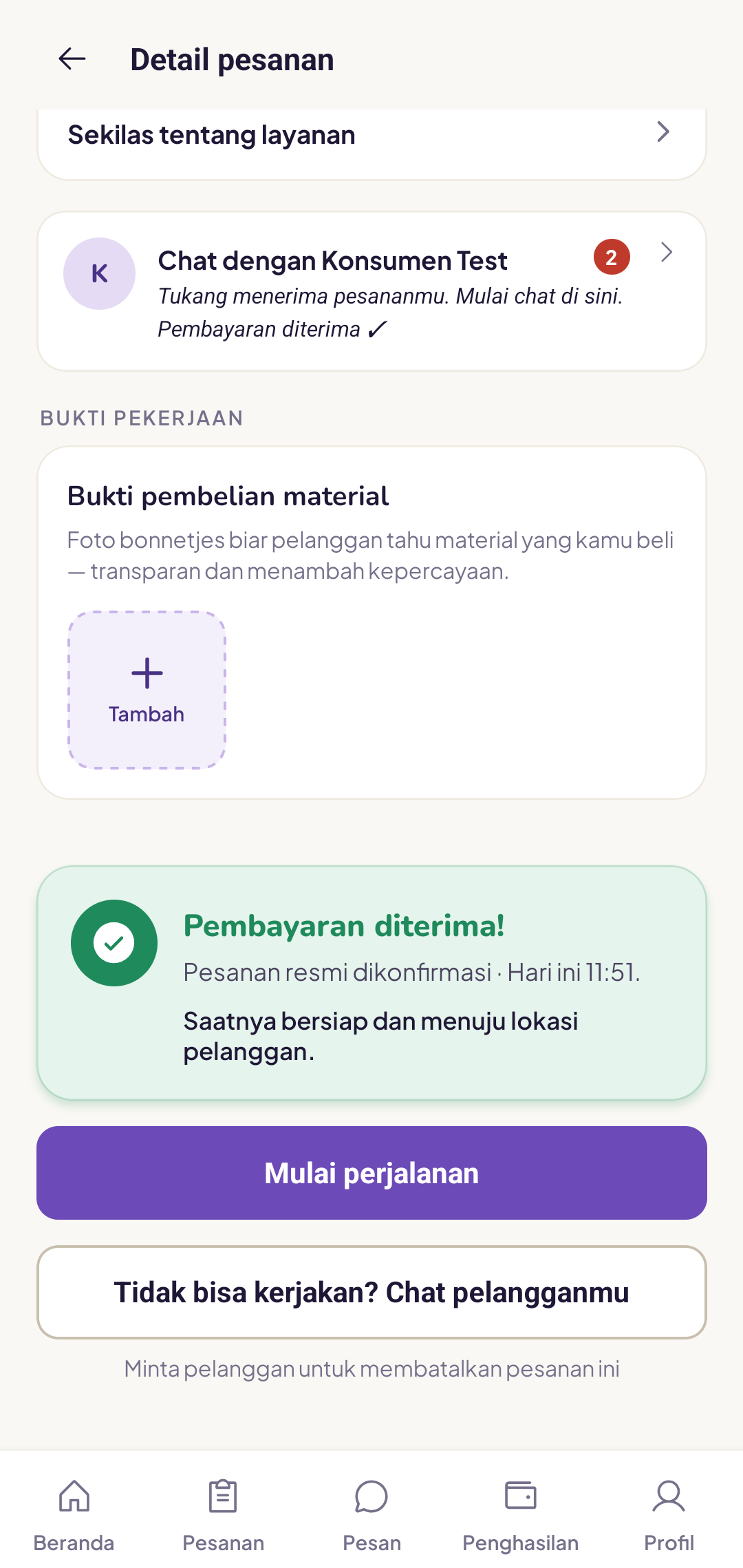
Once the customer has paid, you are ready to head out.
Before you leave
- Check the full address and landmarks on the order page
- Check any notes the customer has left
- Bring the tools needed for the type of job
- If you need to buy materials, stop by the shop first
Tap "Start journey"
Once you are on your way, tap the Start journey button on the order details page. The customer will receive a notification that you are on your way.
I am running late, what should I do?
Let the customer know via chat. Good communication is worth more than simply being on time, and customers generally appreciate it when you are honest about your estimated arrival.
The customer is not answering their phone
Try the in-app chat. If there is still no response after 10 minutes at the location, contact the Yukser team via the help page to confirm next steps.
Keep GPS turned on so that the estimated arrival time shown in the customer's app is accurate.