
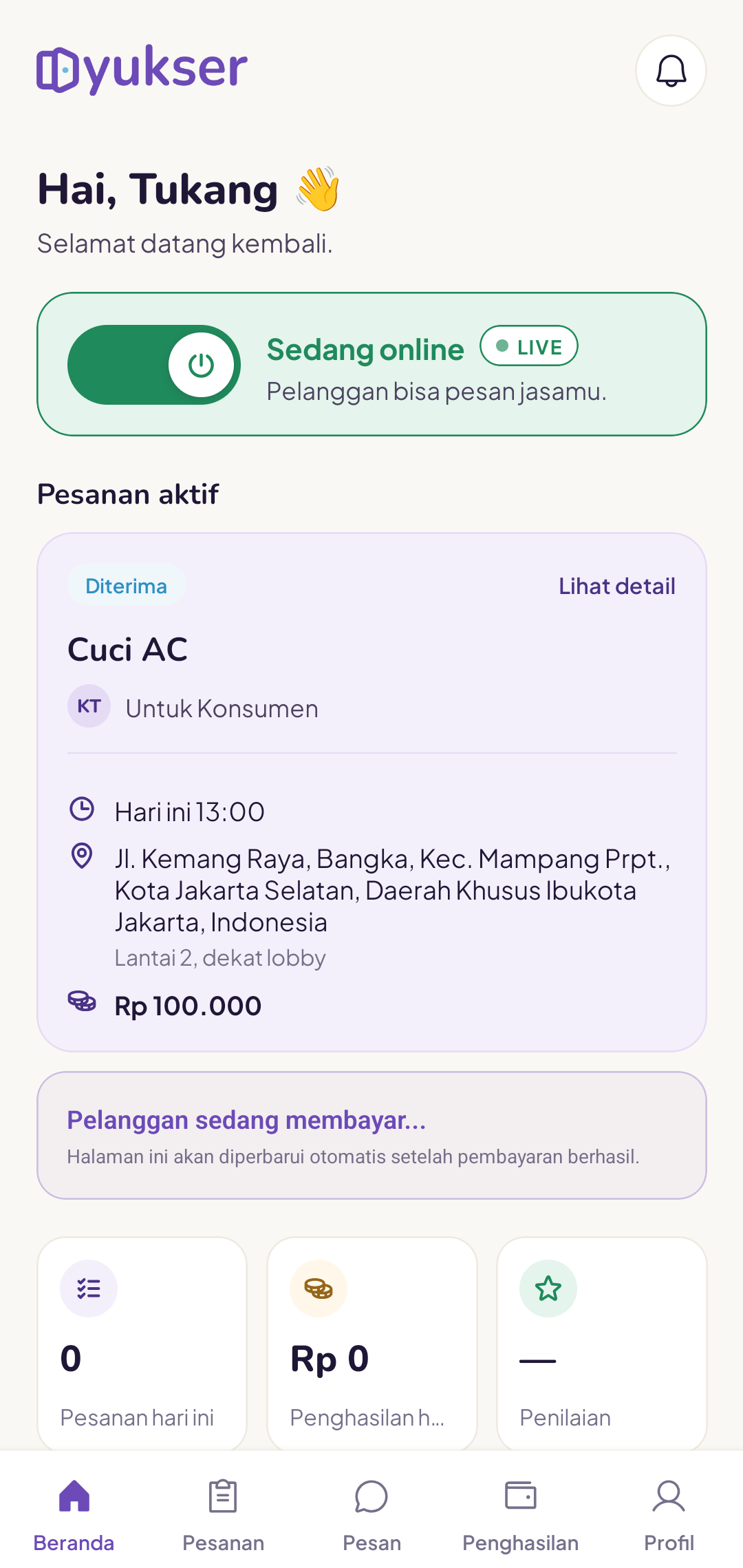
The availability toggle on your home page controls whether you accept new orders.
Online (green)
- New orders can come through to you
- The app tracks your location for distance matching
- New order notifications are active
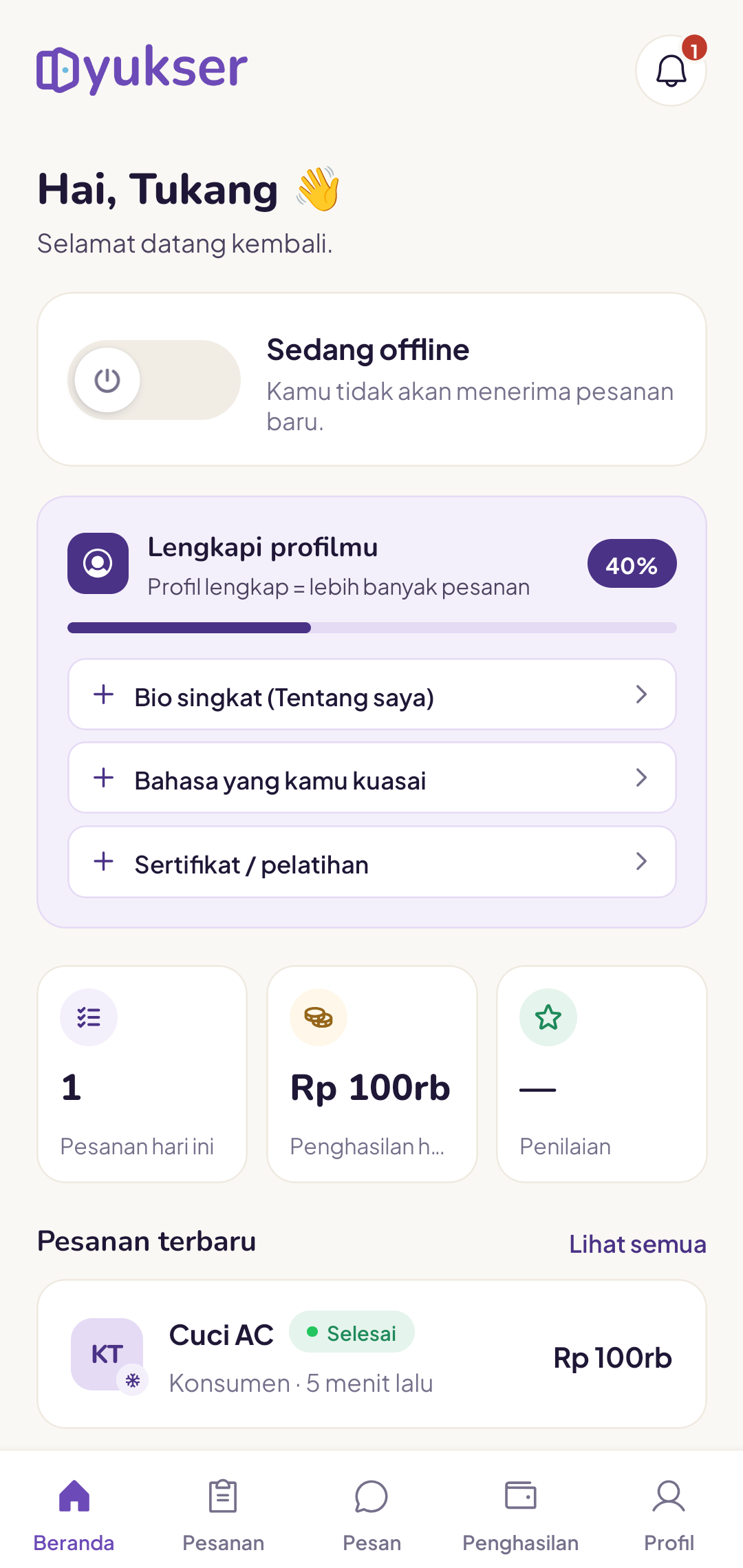
Offline (grey)
- No new orders are accepted
- Orders already in progress stay active
- Useful when you are resting, at home or busy with something else
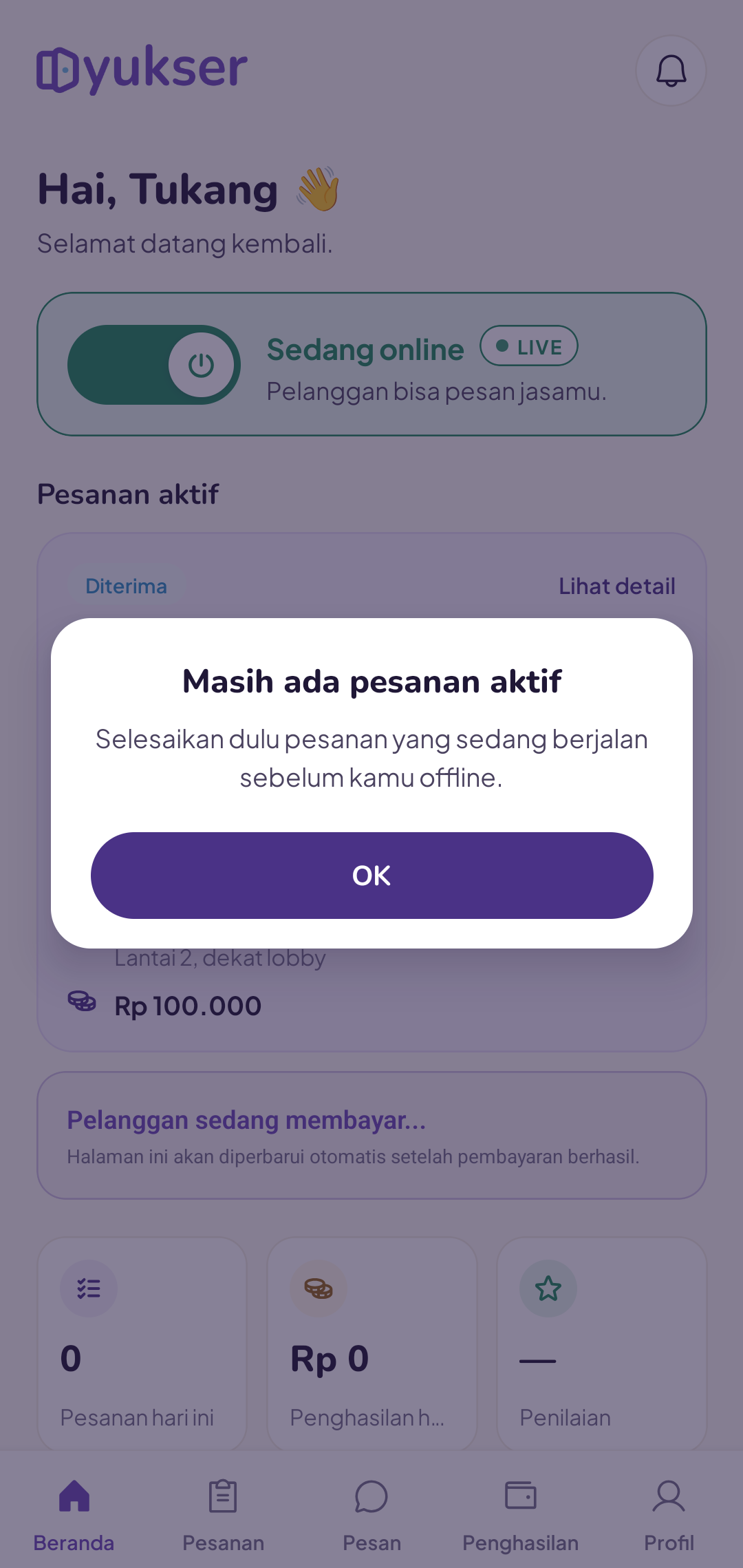
Will I go offline automatically when I run an order?
Yes. While an order is in progress, the system automatically holds new orders. You do not need to turn the toggle off manually, and in fact the toggle cannot be turned off until that order is complete.
I forgot to go online and I am getting fewer orders
Check the toggle each morning before you start work. Many tukang also switch it on when they arrive in their service area (if they go home to another city at the weekend).
The toggle will not switch on
Make sure you are verified. Tukang who are still awaiting verification cannot go online.
Being online during busy hours (08:00–20:00) typically brings in more orders.
I want to take a break until a certain date
No problem. When you turn the toggle off, Yukser asks you how long you need, then switches it back on for you on that date. Read Taking a break with a return date.